All integrations
GSC Wizard reads your Google Search Console data and puts it where your team already works: chat channels, project tools, website builders, reporting tools and AI assistants. This page lists every integration, what it does, and where its setup guide is.
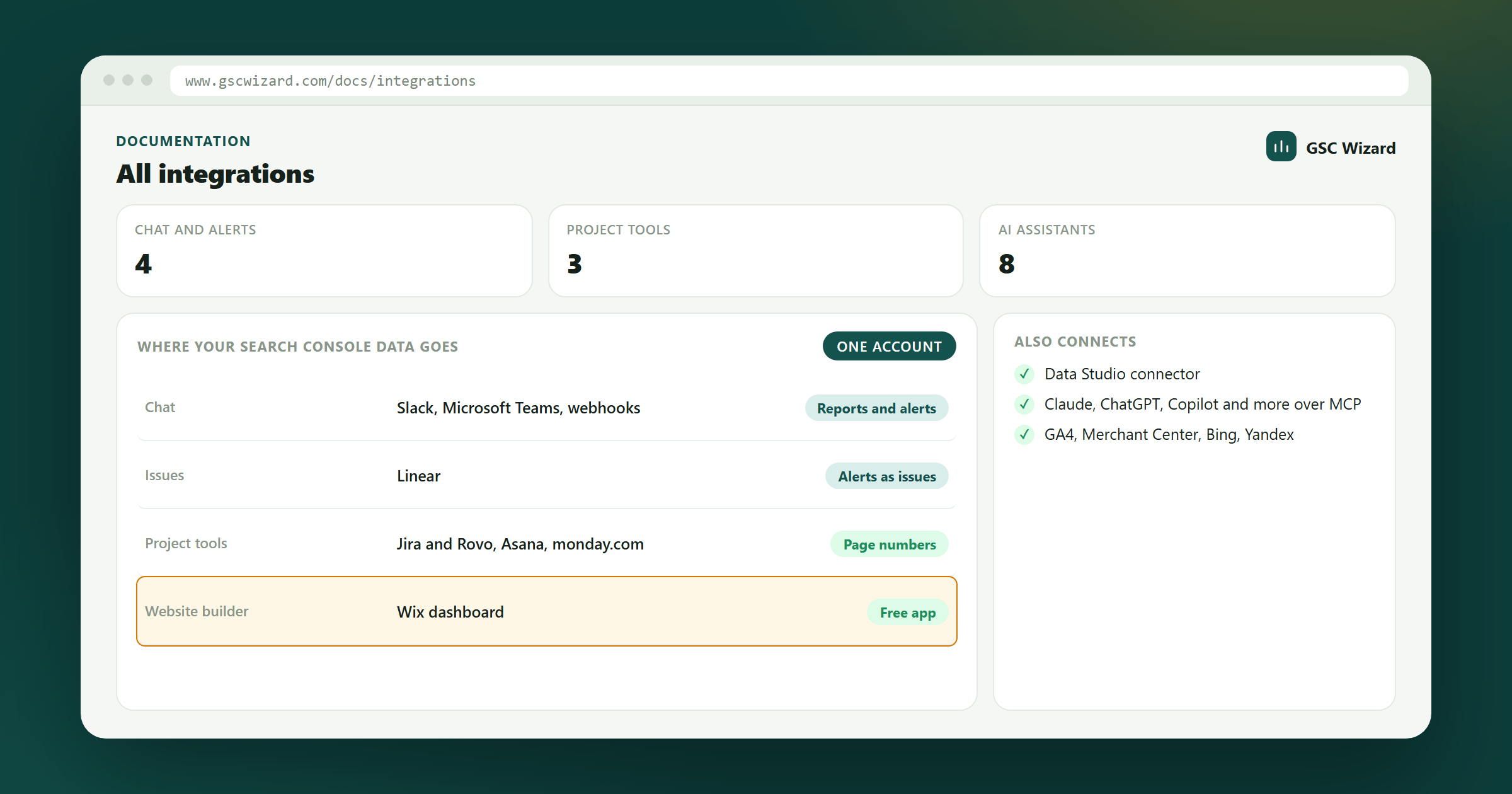
Every integration on this page reads through your GSC Wizard account, so it shows the properties that account can see and stops when its trial or plan ends. The Wix app is the exception: it is free and standalone, and connects Google directly.
Reports and alerts in chat
Scheduled reports and SEO alerts (traffic drops, deindexed pages, Core Web Vitals regressions, migration problems, algorithm updates) posted where your team talks.
Slack
Daily, weekly or monthly property reports and real-time alerts in your channels, plus the /gscwizard slash command.
Microsoft Teams
The same alerts as native cards in a Teams channel, through a Workflows webhook.
Outbound webhooks
The alert events as signed JSON to Zapier, Make, n8n or your own service.
Linear
Each SEO alert becomes a Linear issue in the team that fixes it, with a priority from its severity and a link to the report.
SEO data in project tools
The search numbers for the pages your tickets, tasks and board items are about, next to the work that changes them.
Jira & Rovo
Clicks, impressions, CTR and position for the URLs in an issue, a dashboard gadget, and a Rovo agent that answers with the real numbers.
Asana
A card on a task with a page’s clicks, impressions, click rate, position and top search, against the 28 days before.
monday.com
Clicks, impressions, CTR and position for the page behind every item on a board.
Website builders
Wix
A free dashboard page inside a Wix site’s dashboard with the site’s Search Console performance, searches, pages and close-to-page-one queries. No GSC Wizard account needed.
Reporting tools
Data Studio connector
Your GSC Wizard reports as a Google Data Studio data source, including estimated revenue per search query.
Exports
Any table as CSV or an interactive HTML report, tables to the clipboard, and charts as PNG.
AI assistants and automation
The GSC Wizard MCP server gives AI assistants your real Search Console, GA4, Bing and Merchant Center data. Start with Connecting AI assistants.
Claude
A custom connector in the Claude app, the plugin, Claude Code, or the Agent SDK.
ChatGPT
The GSC Wizard app in ChatGPT, a developer-mode connector, or the Responses API.
Microsoft Copilot
The certified connector in Copilot Studio and Microsoft 365 Copilot.
Codex
Search Console data next to your code in the Codex CLI, IDE extension and app.
Cursor, VS Code & other clients
Cursor, VS Code with GitHub Copilot, Windsurf and any other MCP client.
n8n & REST API
The GSC Wizard community node for n8n, and the REST API with its OpenAPI spec.
Other data sources
Connected next to Search Console, so their numbers sit beside your search data in the same reports.
Google Analytics 4
Sessions, key events, e-commerce and LLM traffic, plus a blended Search Console and GA4 view.
Google Merchant Center
Free listing clicks, products held back by feed issues, a feed audit and title checks.
Bing Webmaster Tools
Bing queries, pages, crawl health and crawl issues with your own API key.
Yandex Webmaster
Yandex queries, indexing history, and the pages Yandex added to or removed from its results.
Missing a tool your team uses? Tell me on the feedback page. Until then, outbound webhooks and the REST API reach almost anything.