Google Ads alerts
Seven daily checks on every linked account, posted where your team already works.
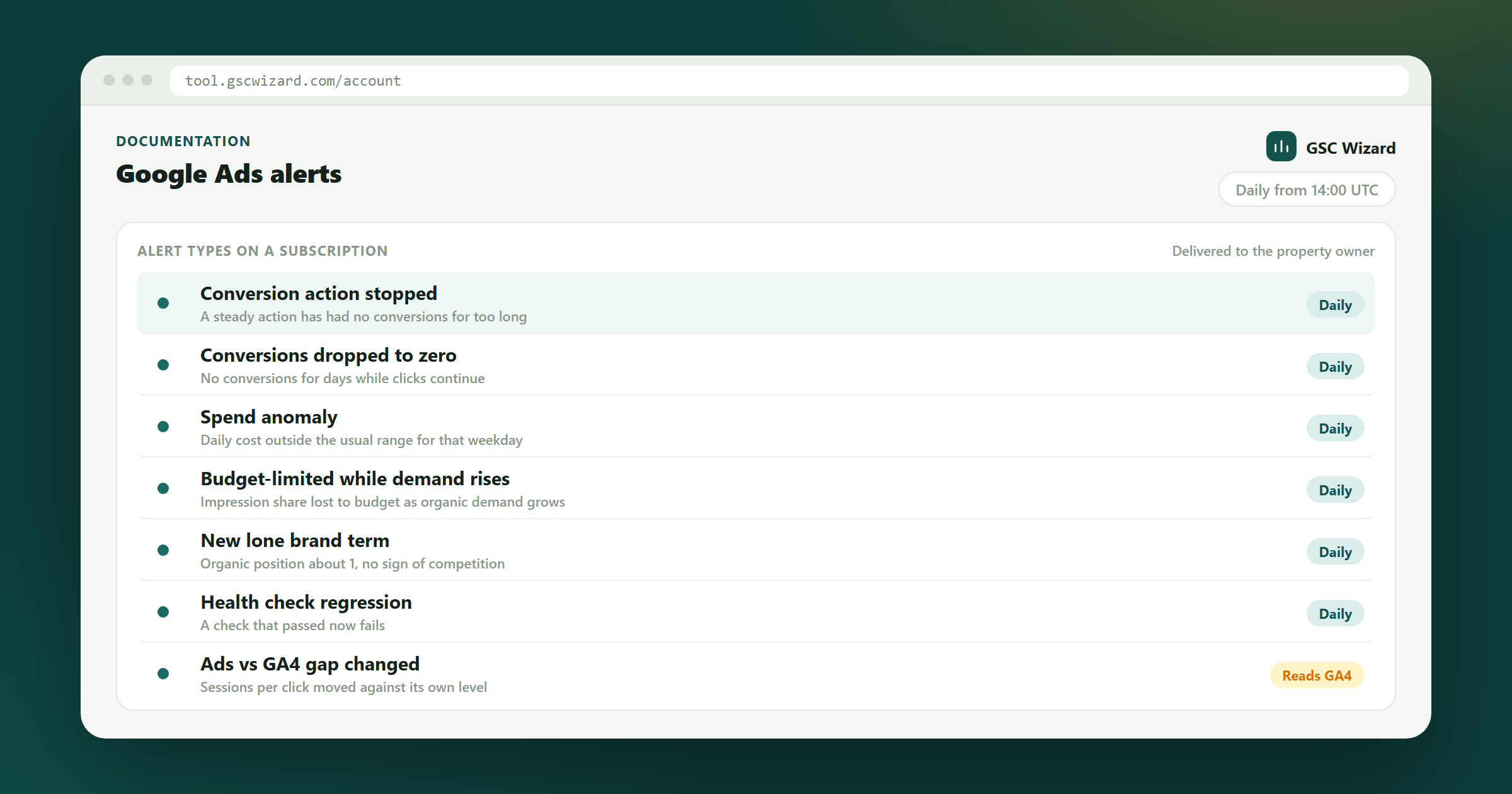
Seven checks run once a day on every property with a linked Google Ads account and post to Slack, Microsoft Teams, Linear or a webhook when something needs a look. They read the same warehouse copy as the reports, so an alert and the report it points to always agree.
The seven alert types
The names are the ones you tick on a subscription.
| Alert | What triggers it | Cadence |
|---|---|---|
| Google Ads: conversion action stopped | A conversion action that recorded conversions steadily has had none for longer than its own rate allows, after allowing for late conversions. | Daily |
| Google Ads: conversions dropped to zero | A Google Ads account recorded no conversions at all for a run of days while it still had clicks. | Daily |
| Google Ads: spend anomaly | An account’s daily cost is outside the range of the same weekday over the last 90 days, up or down. | Daily |
| Google Ads: budget-limited while demand rises | A campaign newly loses 10% or more of its search impression share to budget while the property’s Search Console impressions rise 15% or more week over week. | Daily; the first run records the current state silently |
| Google Ads: new lone brand term | A brand term newly meets every lone-term sign: organic position about 1, impression share above 90%, and a low, flat CPC. | Daily; the first run records the current state silently |
| Google Ads: health check regression | A health check that passed on the previous daily run fails now, or the health score fell 10 points or more. | Daily; the first run records the current state silently |
| Google Ads: Ads vs GA4 gap changed | GA4 sessions per Ads click, or GA4 key events per Ads conversion, moved 20% or more against its own 28-day level. | Daily; reads GA4 once per property |
The figures above are the suggested values. Where an alert has a judgement threshold, such as the health score drop or the demand rise, the property’s own report settings apply.
When they run
- Once a day per property, from 14:00 UTC. A run that fails or is missed is retried later the same day.
- Only properties with at least one linked Google Ads account are checked, and only for the alert types someone subscribed to.
- Today’s partial day is never read. Dates are in the account’s time zone, and an account whose sync has fallen behind is skipped until it is current again.
- The three standing conditions (budget-limited campaigns, lone brand terms, health checks) stay silent on their first run and only record what is there, so subscribing does not post every existing finding at once. After that, they alert on what is new.
- Each alert carries a severity like every other GSC Wizard alert, so a subscription’s minimum severity applies to them too.
- Amounts are in the property’s report currency, converted like the reports, and every alert with money in it names the currency. The spend anomaly is the exception: it stays in the account’s own currency, because an exchange-rate move is not a change in spend.
Subscribing
Google Ads alerts use the same subscriptions as the other GSC Wizard alerts, in Account, then Slack, Teams & Webhooks. Alerts explains subscriptions, severity and bundling in full.
- For Slack, add the GSC Wizard app to your workspace first (Adding the Slack app), then create an alerts subscription: pick the channel, the property (or all your properties), and tick the Google Ads types you want.
- For Microsoft Teams, Linear or your own service, add an outbound webhook in the same place and pick its format: generic JSON (Outbound webhooks), Microsoft Teams cards (Microsoft Teams), or Linear, which opens an issue in the team you choose (Linear). Then tick the Google Ads types.
- Choose the minimum severity and real-time or bundled daily delivery, and save.
There is no email delivery for Google Ads alerts. Slack, Teams, Linear and webhooks are the channels.
Owner only
Google Ads alerts reach the property owner and nobody else.
- The checks run once per property as its owner, on the owner’s data and the property’s thresholds, so their events belong to the owner’s account. A collaborator’s subscription never receives them.
- For the same reason, a Google Ads alert type can only be saved on a subscription or webhook that covers a property you own, or all your properties. On a subscription for a property shared with you, the Google Ads types are refused when you save.
- To keep a team in the loop, the owner subscribes a shared channel: everyone in that Slack channel or Teams channel sees the alerts.
Part of Google Ads. Related: Report settings, Ads Health Check, Slack, Teams & webhooks.