Ads audit reports
Six reports that check the account rather than its performance: settings, conversion tracking, the agreement with GA4, negatives and Google’s own suggestions.
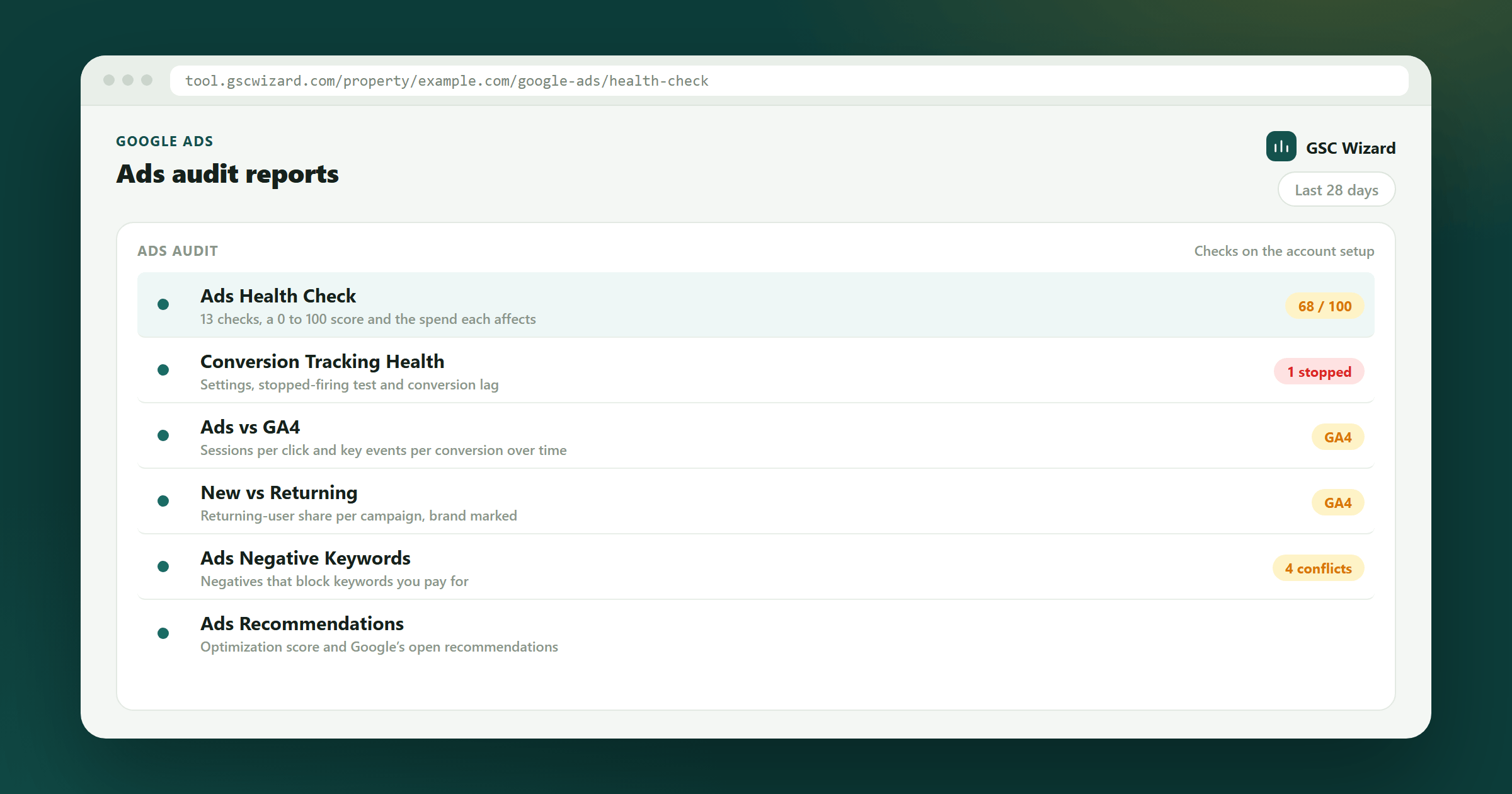
The ADS AUDIT section answers whether the numbers in the other reports can be trusted and whether the account is set up the way you meant. Each finding says what to change in Google Ads, and you make that change yourself: GSC Wizard never changes the account.
Data sources
- Google Ads settings snapshots (daily campaign settings; weekly negatives, ads, conversion actions and recommendations) and the daily performance rows.
- Stored URL Inspection and Index Tracker results, for the health check’s paid landing pages (URL Inspection, Index Tracker). Nothing is inspected from the audit itself.
- GA4, read live behind Run analysis, for Ads vs GA4 and New vs Returning.
Reports in this group
Ads Health Check
A 0 to 100 score from 13 checks on the account setup, each with the spend it affects and what to change in Google Ads.
Conversion Tracking Health
Every conversion action with its settings and flags, a stopped-firing test and the conversion lag curve.
Ads vs GA4
Ads clicks against GA4 sessions and Ads conversions against GA4 key events, flagged when the ratio breaks.
New vs Returning
The share of each campaign’s GA4 sessions, key events and revenue from returning users, with brand campaigns marked.
Ads Negative Keywords
Negatives that block keywords you still run, converting terms now excluded, repeated negatives and campaigns without any.
Ads Recommendations
Google’s optimization score, its open recommendations with Google’s own estimates, and invalid clicks per campaign.
Alerts from the audit
Two of the seven daily Google Ads alerts come from these reports: a health check that passed on the previous run and fails now (or a score that fell 10 points or more), and a break in the Ads vs GA4 ratio. A conversion action that stopped firing is a third. They go to the property owner through Slack, Microsoft Teams, webhooks or Linear; see Google Ads alerts.
Part of Google Ads. Related: Paid search reports, Paid + organic reports, Report settings.