Zapier
Connect GSC Wizard to the 8,000 apps on Zapier. Start a Zap the moment an SEO alert fires, such as a traffic drop or a page that fell out of Google’s index, and use Search Console numbers, URL inspections, IndexNow and chart annotations as steps in any Zap.
GSC Wizard for Zapier is on its way to the Zapier app directory. Until it is listed, ask for an invite on the feedback page, or send alerts to a Zapier “Catch Hook” with an outbound webhook.
Triggers, actions and searches
Everything reads and writes through your GSC Wizard account. Nothing here changes your Search Console settings: Inspect URL asks Google whether a page is indexed, it never requests indexing.
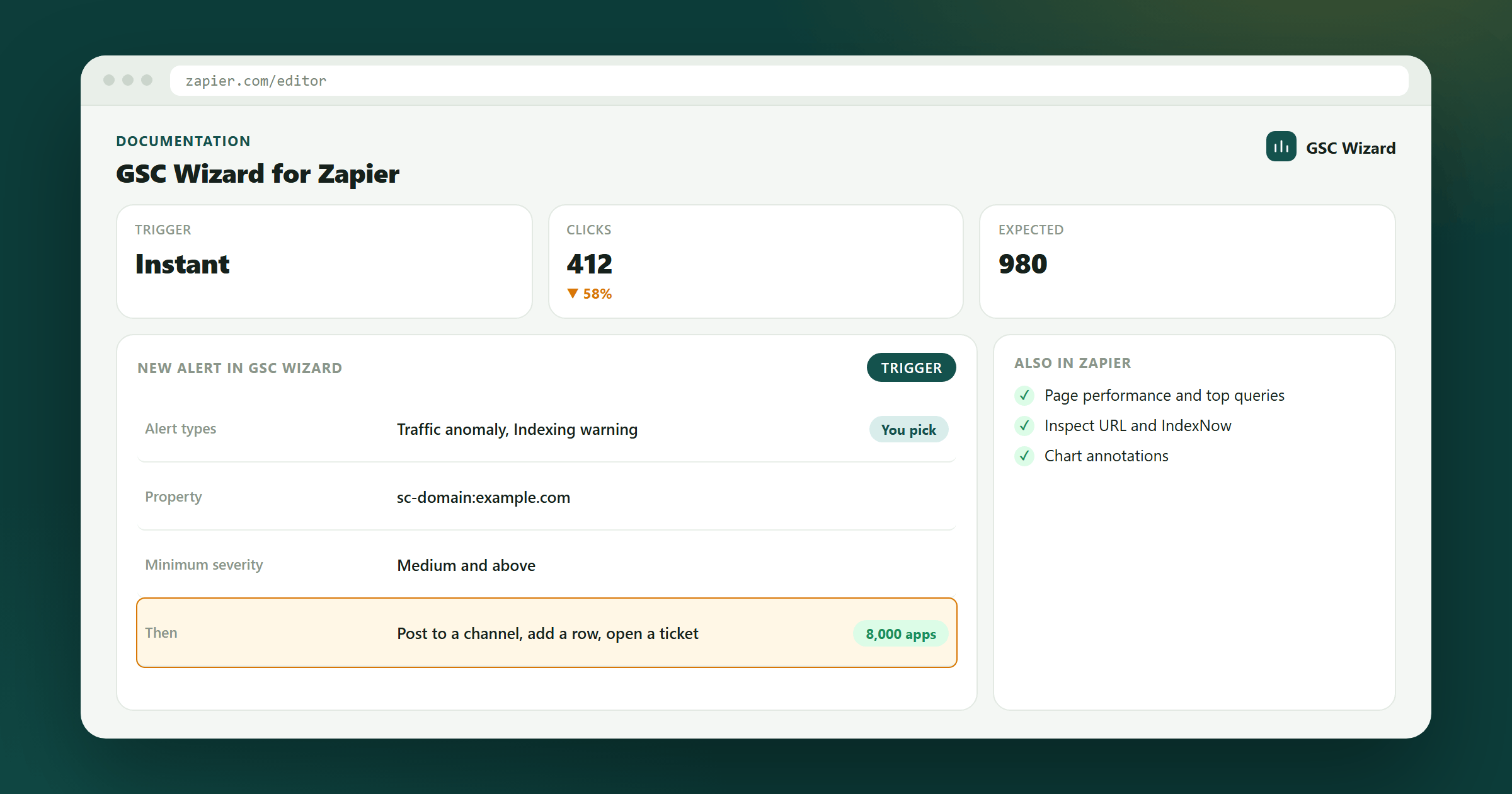
New Alert (instant)
Starts the Zap as soon as GSC Wizard raises an alert of the types you pick: traffic anomalies and change points, content decay, Rank Checker moves, indexing warnings, Core Web Vitals, algorithm updates, migration problems, Merchant Center and Google Ads alerts. Limit it to one property and a minimum severity. The fields are the same as the webhook event, plus the property, the page and a readable alert name.
New Annotation
Starts the Zap when a note is added to the charts, or when GSC Wizard adds a Google algorithm update.
New URL Inspection Result
Starts the Zap for each stored URL Inspection result of a property, for example from the Indexing Tracker. It can be limited to pages Google did not report as indexed.
Create Annotation
Adds a note on a date to a property’s charts or to your account, for example when a release ships or a campaign starts. Pair it with Find Annotation to skip notes that already exist.
Submit URLs to IndexNow
Tells Bing, Yandex and the other IndexNow engines that up to 100 pages changed. The property needs an IndexNow key with its key file published.
Inspect URL
Asks Google’s URL Inspection API whether one page is indexed and returns the verdict, coverage, last crawl and canonicals. It uses one of the property’s 2,000 daily inspections.
Add Tracked URL
Adds pages to a property’s Indexing Tracker, which keeps checking them with Google.
Find Page Performance, Get Top Queries, Get Site Summary
Clicks, impressions, CTR and average position for one page, the top queries of a property (optionally for one page, country or device), and a property’s totals against the period before, as fields you can map into a message, a row or a document.
Before you start
- A GSC Wizard account with a 7-day free trial or a paid plan. Zaps stop getting data when the trial or plan ends.
- The Search Console properties you want to use, connected and activated on the GSC Wizard dashboard. See Connecting Search Console.
- An API key from Account → MCP API keys. Give it write access to use New Alert and the actions; a read-only key is enough for the searches and the two polling triggers.
Connecting your account
- In Zapier, create a Zap and pick GSC Wizard as the app of a trigger or an action.
- Choose Sign in, paste the API key (it starts with
gscw_live_) and continue. Zapier checks the key and names the connection after your GSC Wizard email address. - Pick the Property from the list. It shows the properties your account can see, including ones shared with you.
How New Alert works
Instant
Turning the Zap on registers it with GSC Wizard; turning it off or deleting it removes that registration again. Each alert is sent once, when its detector runs, the same way a Slack or webhook alert is.
In your account
Each Zap listening for alerts shows up under Account → Slack, Teams & Webhooks as a webhook named Zapier: <Zap name>. Deleting it there stops alerts reaching that Zap; turning the Zap off and on again sets it up anew.
Testing
When you test the trigger, Zapier shows your newest matching alerts. If none has fired yet, it shows example alerts for example.com, marked with Is Sample set to true.
Google Ads alerts
Only the owner of a property receives its Google Ads alerts, so a collaborator cannot pick them for a shared property.
How to read the numbers
Settled data
Search Console data settles two to three days behind today. Without dates, a search uses the last 28 days with settled data.
Exact URLs
Search Console records every URL exactly. https://example.com/page and https://example.com/page/ are different pages, and only the one Google indexed has data. Find Page Performance finds nothing when the address does not match.
Countries and devices
Get Top Queries takes a country as the three-letter code Search Console uses (usa, gbr, deu) and a device from the list; both are put in the exact form Search Console matches on.
CTR and position
CTR is a percentage. Average position is weighted by impressions over the period, the way Search Console totals it; a lower number is better.
Permissions and data
The API key
Stored by Zapier in your connection and sent to mcp.gscwizard.com with each request. Revoke it in GSC Wizard at any time and every Zap using it stops.
What GSC Wizard stores
For each Zap listening for alerts: the Zapier hook address (encrypted), the alert types, the property and the severity, until the Zap is turned off or the webhook is deleted. Zapier receives the alert details and whatever the steps you add read; what Zapier does with them is covered by Zapier’s own terms.
See the privacy policy for how GSC Wizard handles this data.
Troubleshooting
“GSC Wizard did not accept the API key”
The key was revoked or mistyped. Create a new one and reconnect the account in Zapier.
“This API key is read-only”
New Alert and the actions need a key with write access.
“Not available yet”
Instant alerts are not switched on for your account yet. Try again later, or use an outbound webhook to a Catch Hook meanwhile.
No alerts arrive
Check the alert types and severity of the trigger, and that the webhook named after the Zap is still enabled in your account. Alerts fire only when a detector finds something, so a quiet property sends nothing.